Set any location
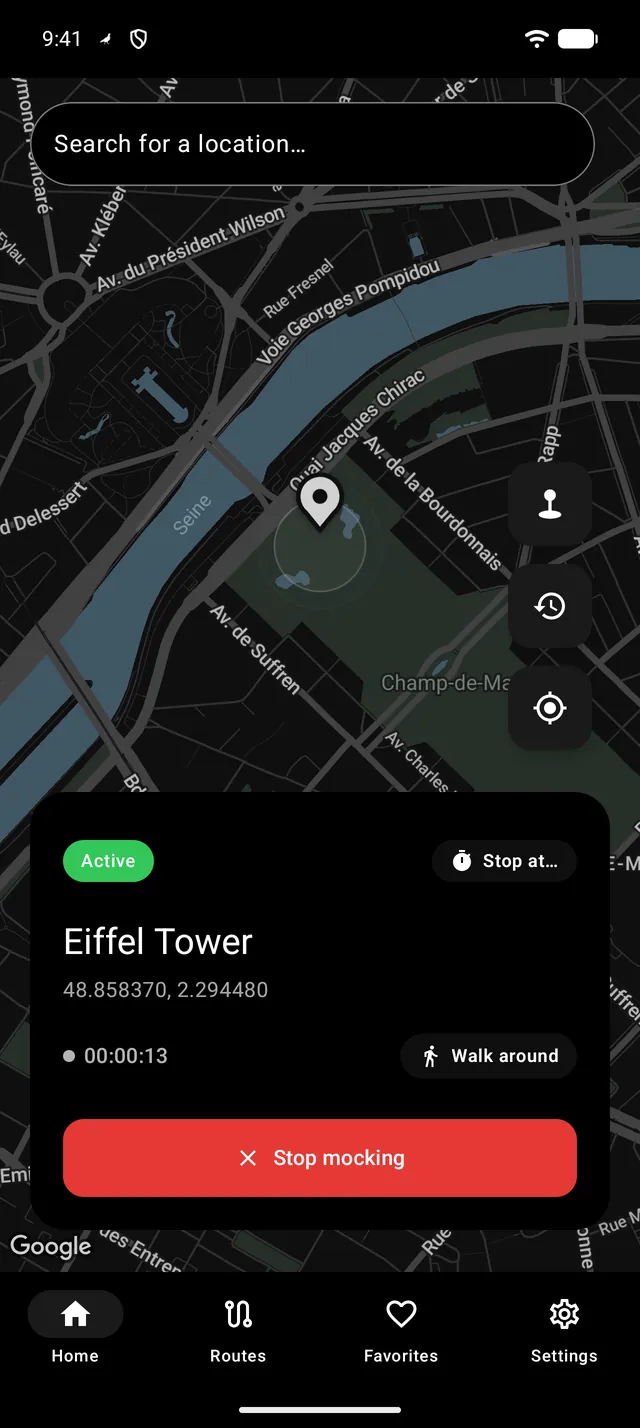
Tap the map or search a place, then press Start. One tap restores your real location.
Pick a place on the map and every app on your phone sees that location. Or move along real roads at walking, cycling or driving speed — for testing location features, preparing demos and planning trips.
Features
From a single pin to a full route on real roads, with the controls testers and travellers actually use.
Tap the map or search a place, then press Start. One tap restores your real location.
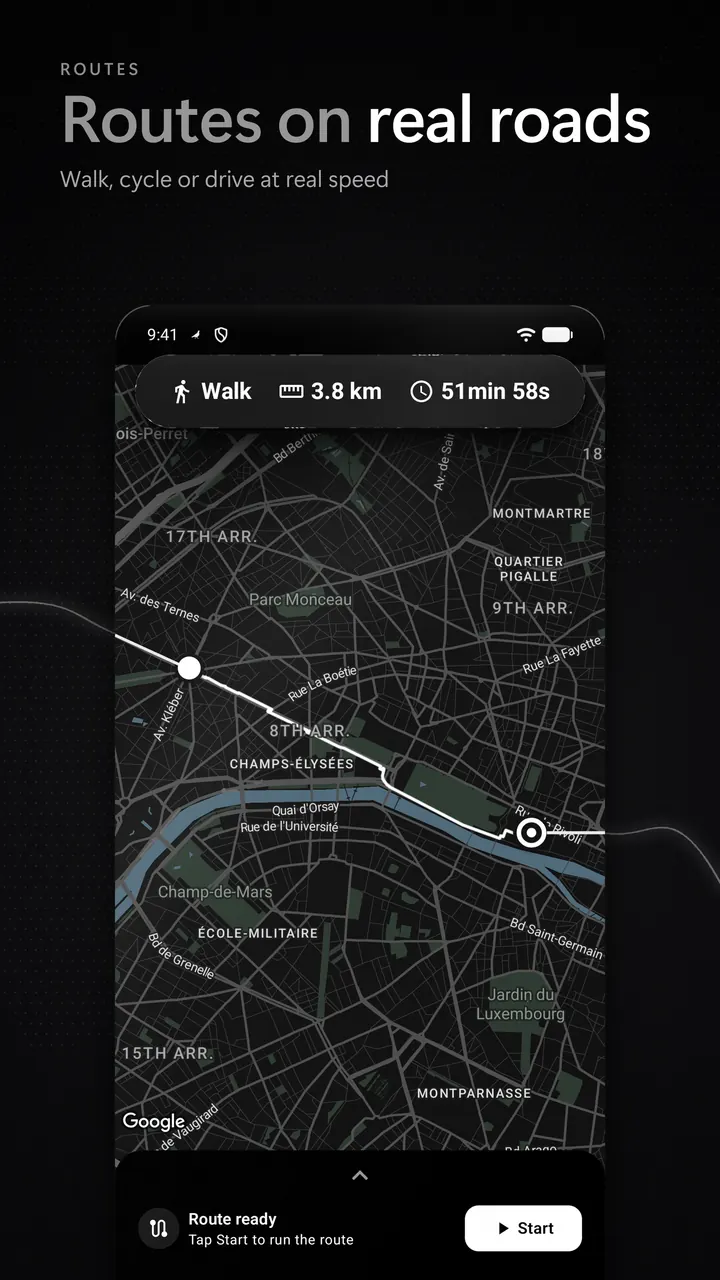
Walk, cycle or drive at realistic, traffic-aware speed, with up to 8 stops and an optional return trip. Import and export GPX.
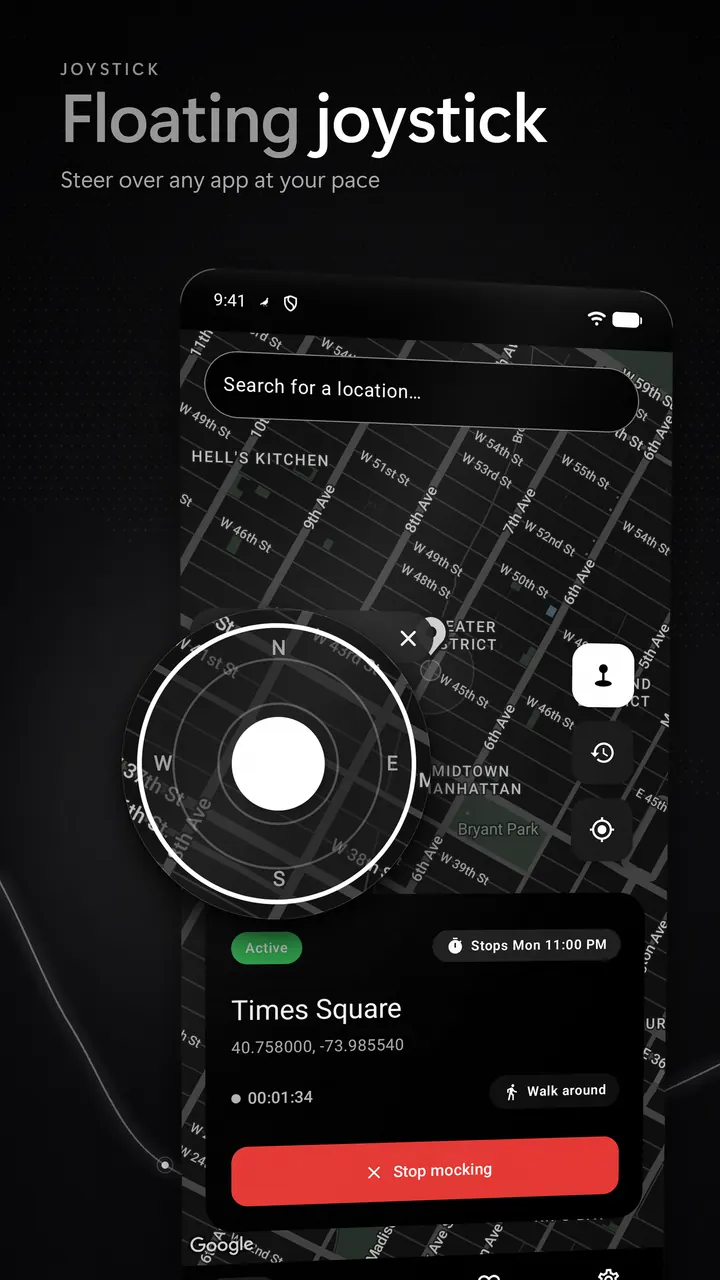
Steer your location by hand over any app, with adjustable size and speed presets.
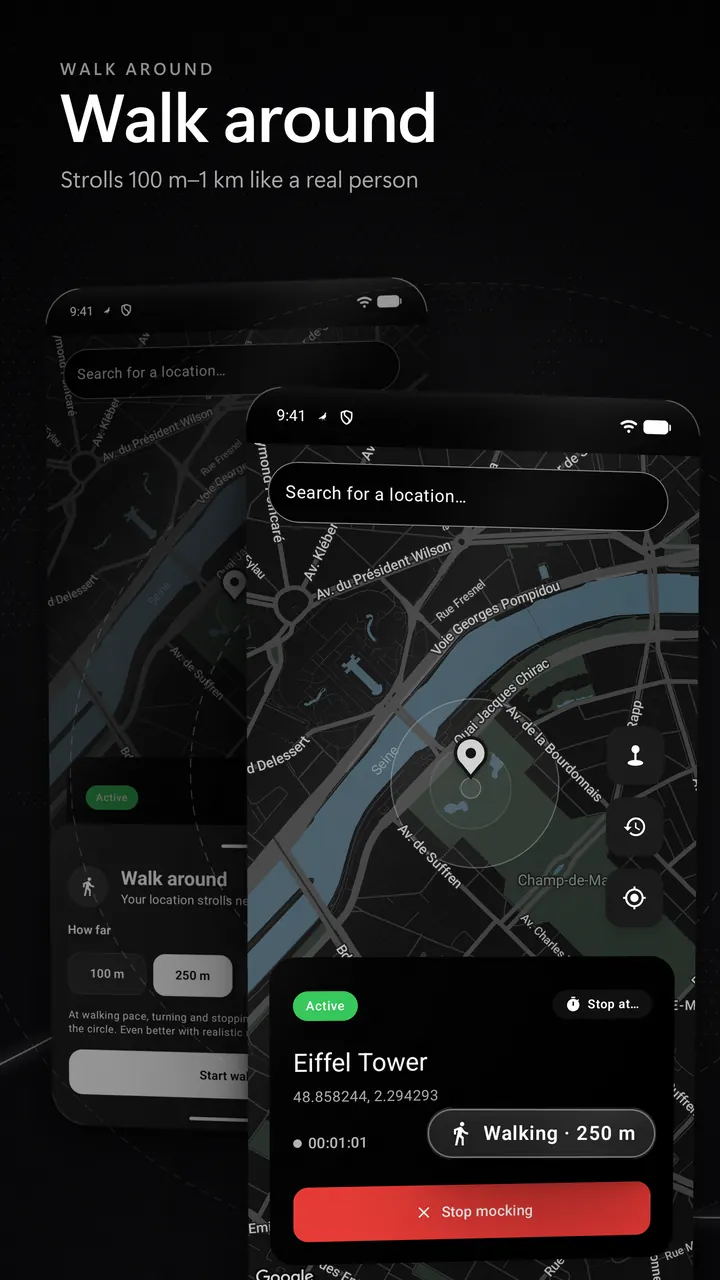
Your simulated spot strolls within 100 m to 1 km, like someone exploring on foot — not a frozen pin.
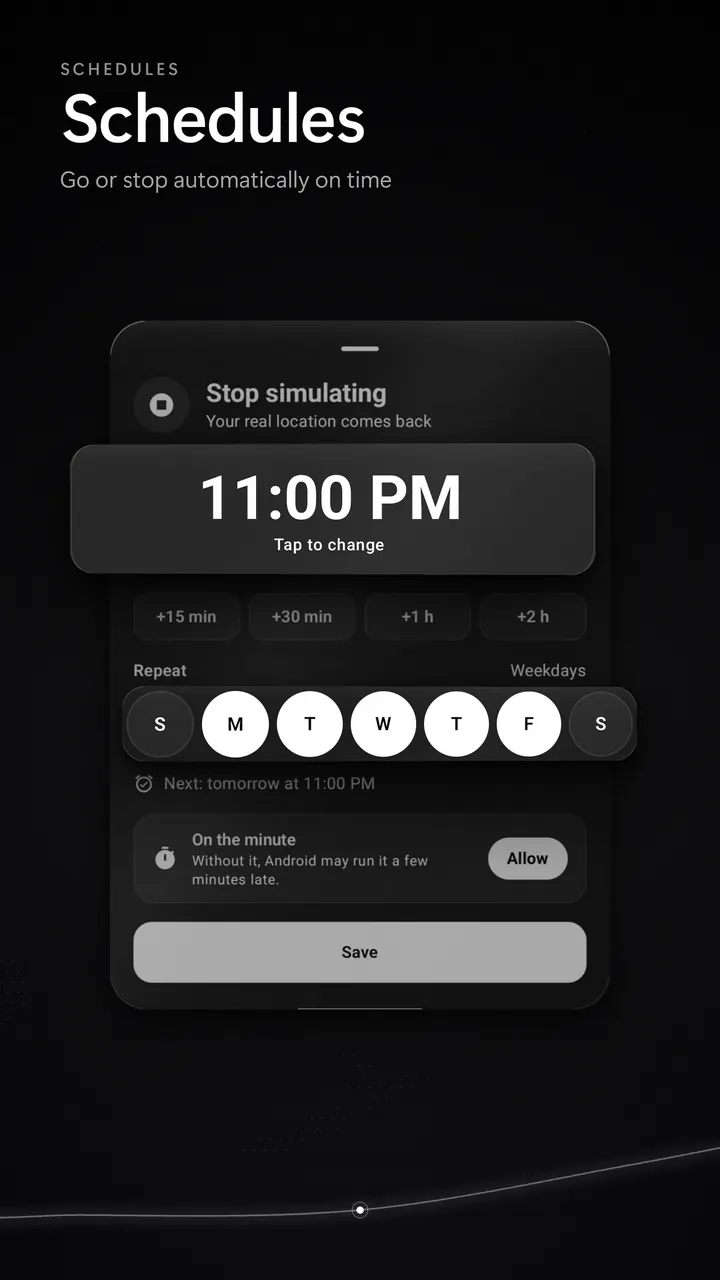
Go to a place or stop automatically at the times you choose.
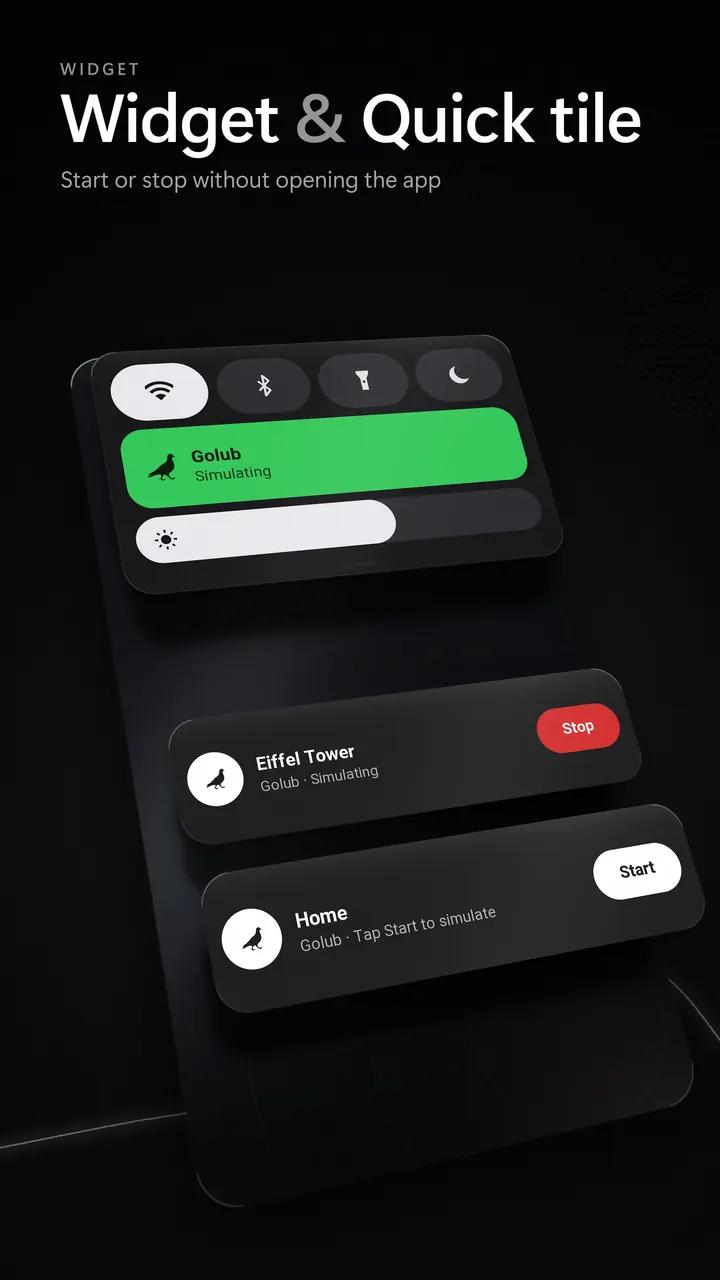
Start or stop from the home screen or the notification shade, without opening the app.
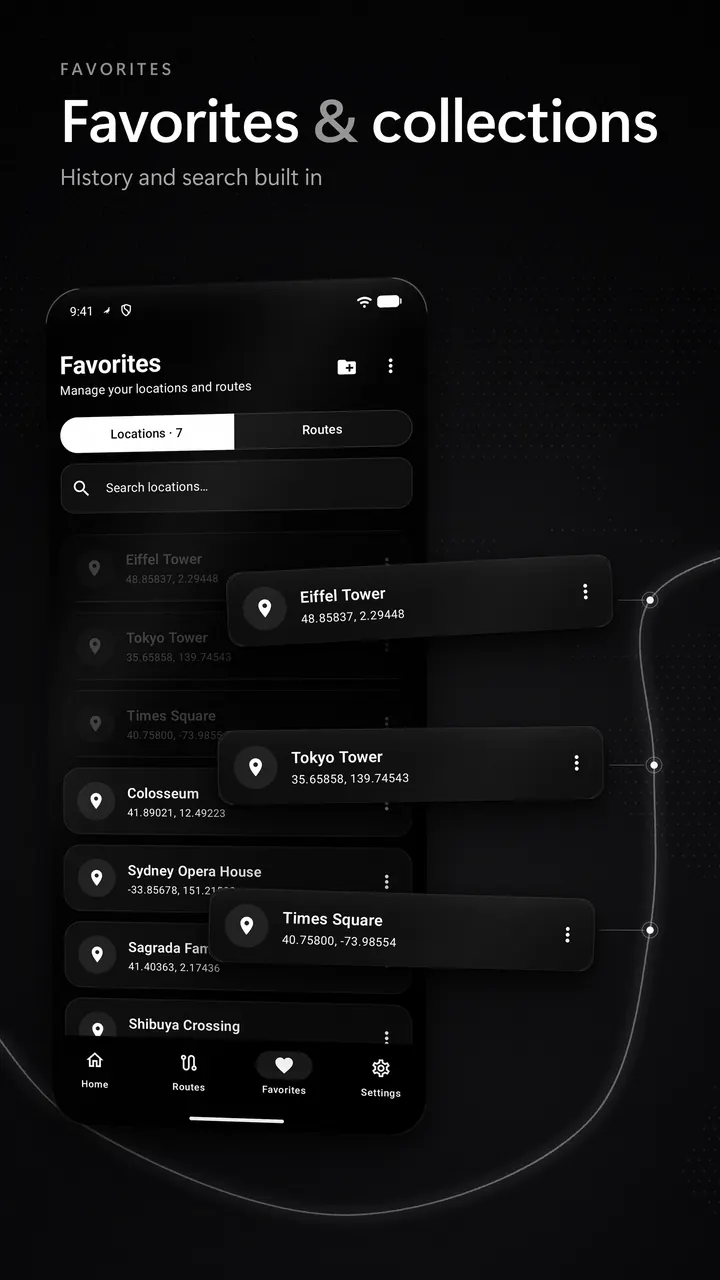
Save places, group them by project or trip, and find them again with history and search.
Natural GPS drift instead of a frozen dot. Keeps running if Android closes the app, and tells you if a simulation stops.
How it works
Android lets one app provide test locations through Developer options. Golub walks you through it the first time.
Settings › About phone › tap Build number 7 times.
Read guideDeveloper options › Select mock location app › Golub.
Read guideTap the map, search, or plan a route. Stop anytime to get your real location back.
Read guide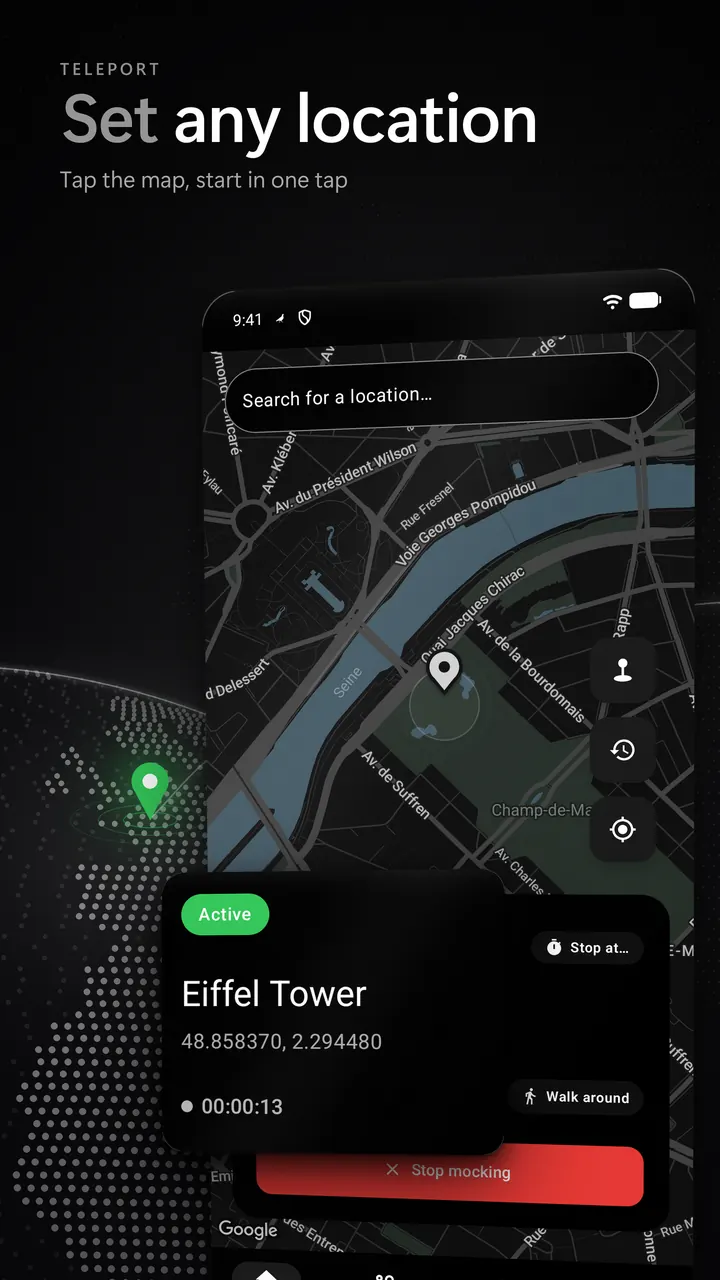
Nothing to sign up for. Golub works the moment you install it.
Favorites, history, routes and schedules are stored on your phone.
Usage analytics never include coordinates, place names or addresses.
Guides
Step-by-step answers for Developer options, mock location, GPX and battery settings, brand by brand.
To enable Developer options on Android, open Settings › About phone and tap Build number seven times, entering your PIN if asked…
"Select mock location app" is a Developer options setting that chooses which installed app may provide test locations. Install the app first…
Mock location is an Android developer feature that lets one selected app supply test locations instead of the real GPS fix. Apps…
To turn off mock location, first stop the simulation in the app that's running it. Then open Settings › Developer options ›…
To create a GPX file, draw your route in a free web planner such as gpx.studio and export it as GPX, or…
To test location features, use the Android Studio emulator's Location panel (a single point, or a GPX/KML route) for fast checks, then…
Golub is a location simulator for Android. It sets your phone's location to any place, or moves it along real roads, for testing, demos and trip planning. It uses Android's built-in mock location setting, so apps on the phone see the location you pick.
Yes. Golub is free to use with Energy. When Energy runs low you can watch a short, optional video to recharge; ads only play when you choose to watch one. Premium unlocks routes, GPX, joystick, schedules, walk around and unlimited favorites, and removes ads.
No. Golub uses the standard mock location setting in Android's Developer options. You turn on Developer options, select Golub as the mock location app, and that's it.
Android 9 or later, on phones and tablets with Google Play. Menu names for Developer options vary by brand; the guides show the path for Samsung, Xiaomi, Pixel, OPPO, realme, OnePlus, vivo and Motorola.
No. There is no sign-up. Your favorites, history, routes and schedules are stored on your device.
No. Golub changes only the location that Android's location services report. Your IP address, mobile network and SIM country stay the same.
Yes. Android marks mock locations, and apps can read that flag. Golub does not hide it. Use it for testing, development and personal use, and respect the terms of the services you use.
Press Stop in Golub, in its notification or in the Quick Settings tile. Your real location returns within moments. To switch mock location off completely, set Developer options › Select mock location app to Nothing.